IA locale
Aurora prend pleinement en charge les usages d’IA locale avec les GPU Nvidia comme AMD. Les paquets d’accélération pour les deux fabricants sont inclus par défaut et ne nécessitent aucune intervention manuelle pour fonctionner correctement.
Tirez parti des robots !
Outils d’IA
Les outils en ligne de commande suivants, dédiés à l’IA, sont disponibles via Homebrew. Installez-les individuellement ou utilisez cette commande pour tous les installer : ujust bbrew, puis choisissez l’option ai du menu :
| Nom | Description |
|---|---|
| block-goose-cli | Interface en ligne de commande de l’agent d’IA Block Protocol |
| claude-code | Agent de programmation Claude avec intégration au bureau |
| codex | Éditeur de code pour l’agent de programmation d’OpenAI qui s’exécute dans votre terminal |
| copilot-cli | Interface en ligne de commande de GitHub Copilot pour l’assistance dans le terminal |
| llm | Accès aux grands modèles de langage depuis la ligne de commande |
| llmman | Exécution de n’importe quel agent avec n’importe quel modèle, local ou hébergé |
| lm-studio | Application de bureau pour exécuter des LLM en local |
| opencode | Agent de programmation par IA pour le terminal |
| ramalama | Gestion et exécution de modèles d’IA en local avec des conteneurs |
| whisper-cpp | Inférence haute performance du modèle Whisper d’OpenAI |
Ramalama
Installez Ramalama avec brew install ramalama pour gérer vos modèles locaux : c’est la solution recommandée par défaut. Elle s’adresse aux personnes qui travaillent fréquemment avec des modèles locaux et ont besoin de fonctionnalités avancées. Elle permet de télécharger des modèles depuis huggingface, ollama et n’importe quel registre de conteneurs. Par défaut, les téléchargements proviennent d’ollama.com. Consultez la documentation de Ramalama pour en savoir plus.
L’utilisation de Ramalama en ligne de commande est similaire à celle de Podman.
ramalama pull llama3.2:latest
ramalama run llama3.2
ramalama run deepseek-r1
Vous pouvez également rendre les modèles accessibles par un serveur local :
ramalama serve deepseek-r1
Ouvrez ensuite http://127.0.0.0:8080 dans votre navigateur.
Ramalama télécharge automatiquement tout ce dont votre hôte a besoin pour exécuter la charge de travail. Les images sont également conservées dans le même espace de stockage que vos autres conteneurs. Cela permet de centraliser la gestion des modèles et des autres images podman :
❯ podman images
REPOSITORY                                 TAG         IMAGE ID      CREATED        SIZE
quay.io/ramalama/rocm                      latest      8875feffdb87  5 days ago     6.92 GB
Intégration aux outils existants
ramalama serve fournit un point d’accès compatible avec OpenAI à l’adresse http://0.0.0.0:8080. Vous pouvez l’utiliser pour configurer des outils qui ne prennent pas directement en charge ramalama :
)
llmman
Installez llmman avec brew install llmmanorg/tap/llmman. Une seule commande vous permet d’exécuter des agents de programmation (Claude Code, Codex, OpenCode et d’autres) avec un modèle sur votre propre machine ou chez n’importe quel fournisseur hébergé. Les modèles sont téléchargés directement depuis Hugging Face ou n’importe quel registre OCI (Docker Hub, GHCR, quay) et stockés dans des structures d’images OCI standard ; l’inférence utilise les projets amont llama.cpp, vllm ou mlx-lm.
llmman launch claude --model qwen3.8   # an agent on a local model
llmman run qwen3.8                     # just chat with a model
llmman run hf.co/unsloth/Qwen3.5-0.8B-GGUF
Vous pouvez également rendre les modèles accessibles par un serveur local, avec un point d’accès compatible avec Ollama, OpenAI et Anthropic :
llmman serve
Consultez la documentation de llmman pour les fournisseurs hébergés, l’agrégation de plusieurs machines et le transfert entre registres.
Alpaca
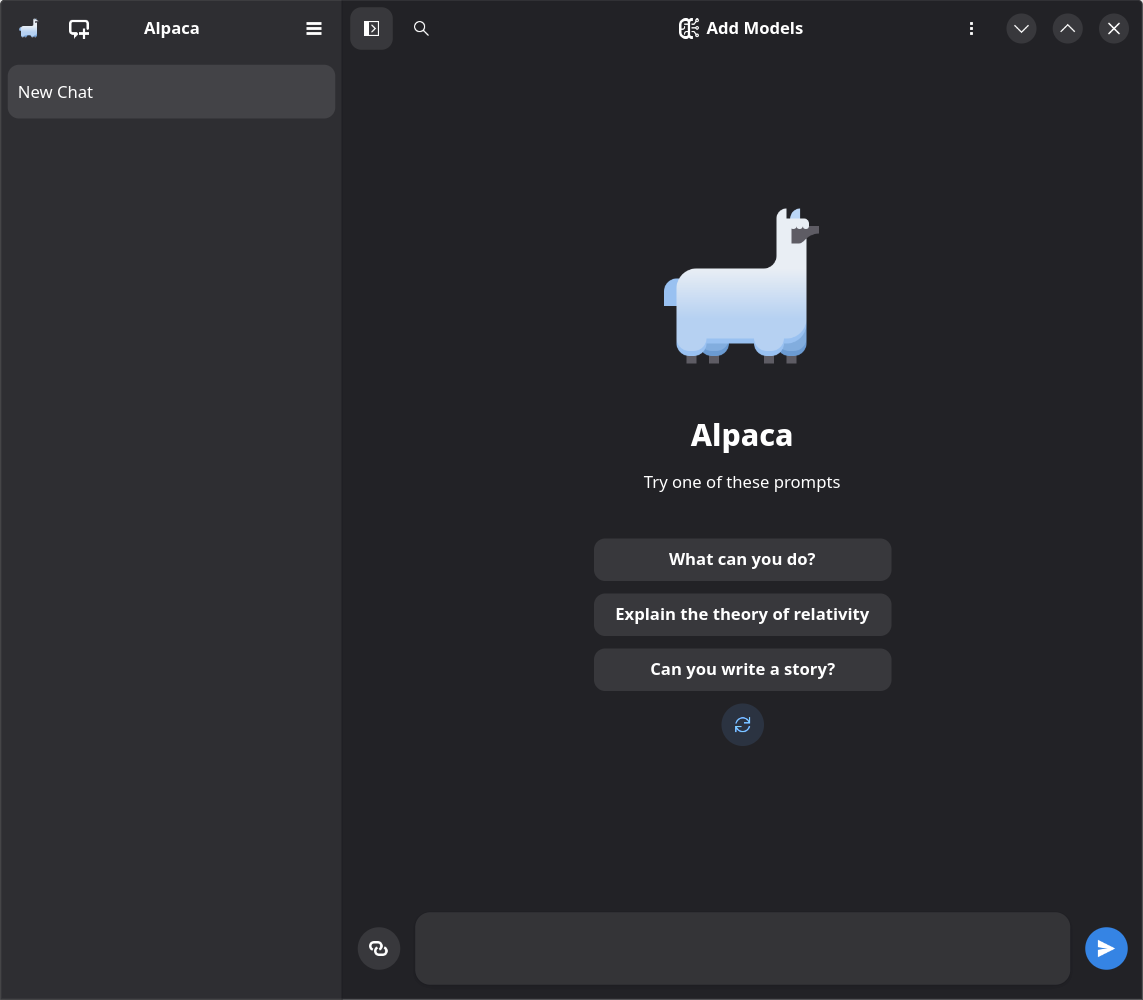
Pour gérer vos modèles et interagir avec eux dans un environnement plus graphique, vous pouvez utiliser le client graphique Alpaca. Il utilise un moteur Ollama intégré et propose une belle interface graphique pour répondre à vos questions les plus pressantes.
Pour bénéficier d’une prise en charge adéquate de l’accélération par GPU AMD, installez le module com.jeffser.Alpaca.Plugins.AMD en ligne de commande
(flatpak install com.jeffser.Alpaca.Plugins.AMD) ou en le recherchant dans Discover. Ce module nécessite un GPU AMD compatible avec ROCM, comme une 7900 XTX ou une Radeon 6900 XT.